FVG + OB Hunter
Automatically Detect Smart Money Zones on Any Chart
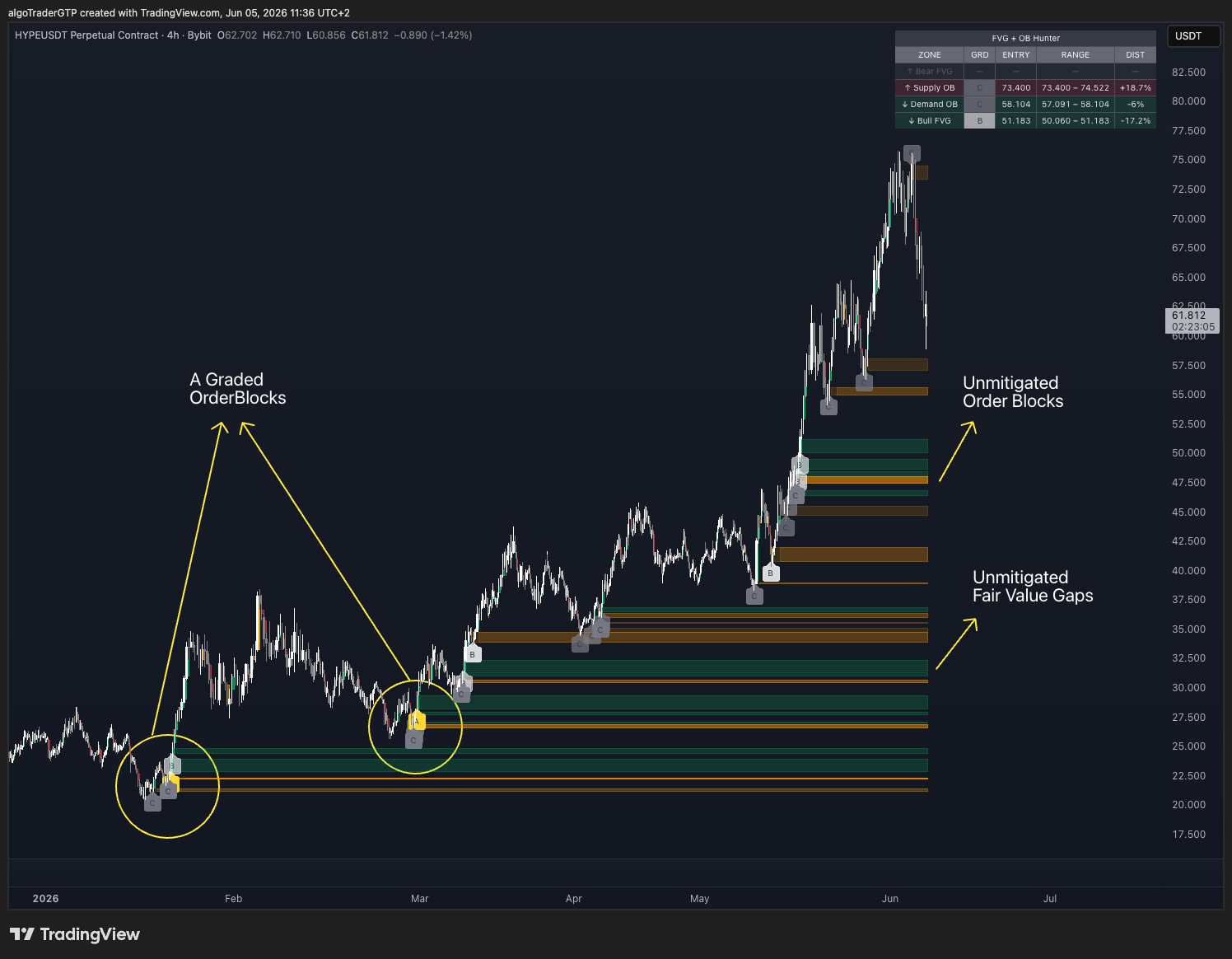
If you trade Smart Money Concepts or ICT, you already know: Fair Value Gaps and Order Blocks are where the best entries live. The problem isn't knowing what they are. By the time you manually spot the zone and draw it, price has already touched it. Or worse — you're watching a zone that was mitigated two bars ago, sitting on dead structure, waiting for a move that already happened.
The moment a zone forms, it appears on your chart. Graded by strength. Tracked until mitigated.
What's Inside
Bullish & Bearish FVG detection
3-candle imbalances marked the moment they form — nothing manual, nothing missed
Supply & Demand Order Blocks
The last opposing candle before a strong impulse move, detected automatically alongside each FVG
Zone grading A / B / C
Every zone scored by strength: size ÷ ATR(14). A ≥ 1×, B ≥ 0.5×, C < 0.5×. Grade label on chart at detection bar — trade the A zones, watch the B zones, ignore the C zones
Live zone tracking
Every zone extends bar by bar until mitigated or invalidated — dead zones remove themselves. Only live structure stays on screen
Nearest-zones summary table
Live table showing the closest active FVG and OB above and below price — sorted by proximity, with grade, entry level, range, and distance % updated every bar
5 real-time alert types
FVG Formed, FVG Entered (reversal watch), FVG Mitigated, OB Formed, OB Breached — each includes symbol, direction, and exact price levels for webhook delivery
See It on Your Chart
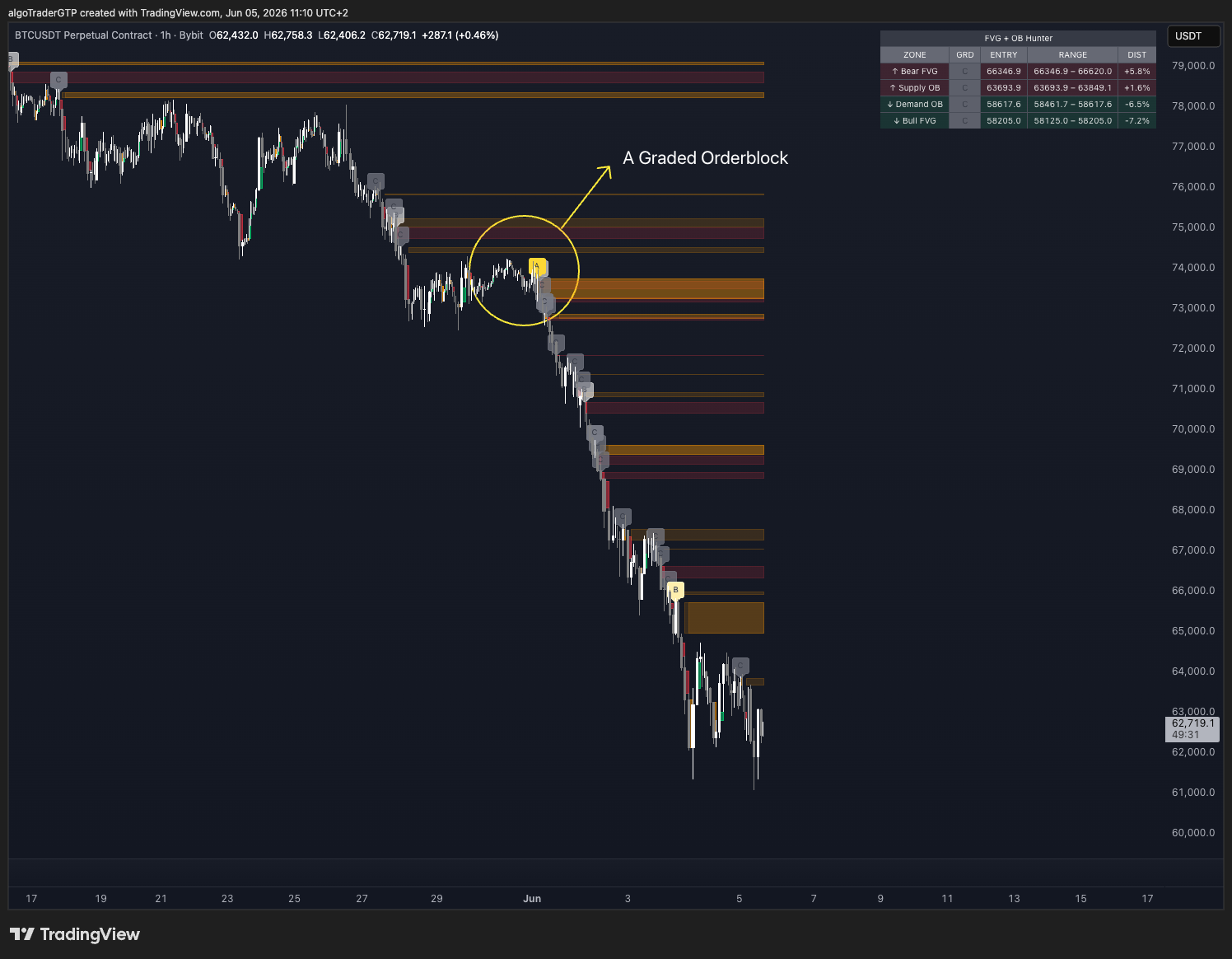
BTC/USDT 1H: A-grade Order Block detected during a downtrend. The nearest-zones table (top right) shows active FVGs and OBs above and below price — grade, entry, range, and distance % updated live every bar.
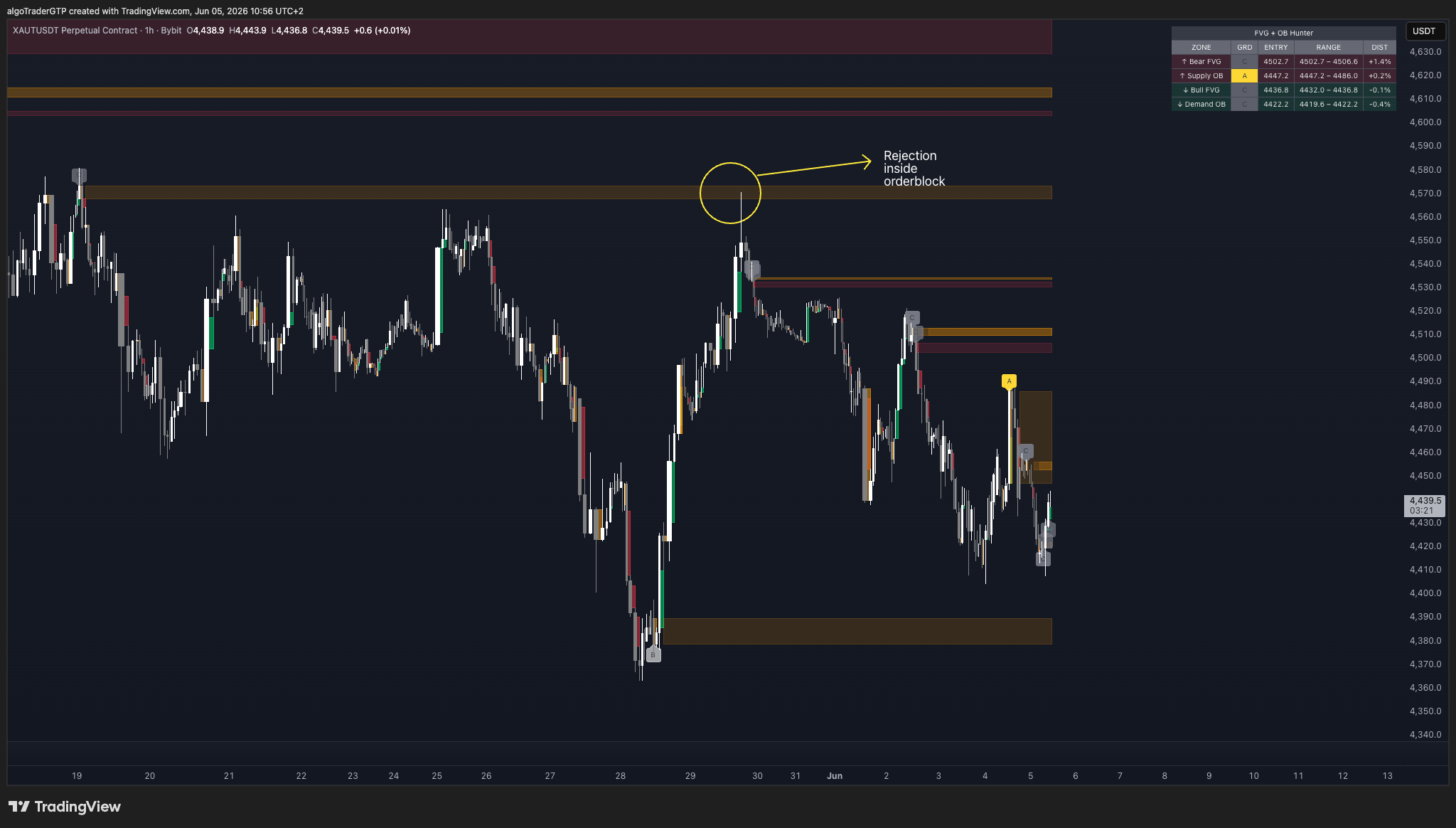
XAU/USDT (Gold): Price rejects inside a Supply Order Block. Works on any asset — crypto, forex, stocks, gold, indices.
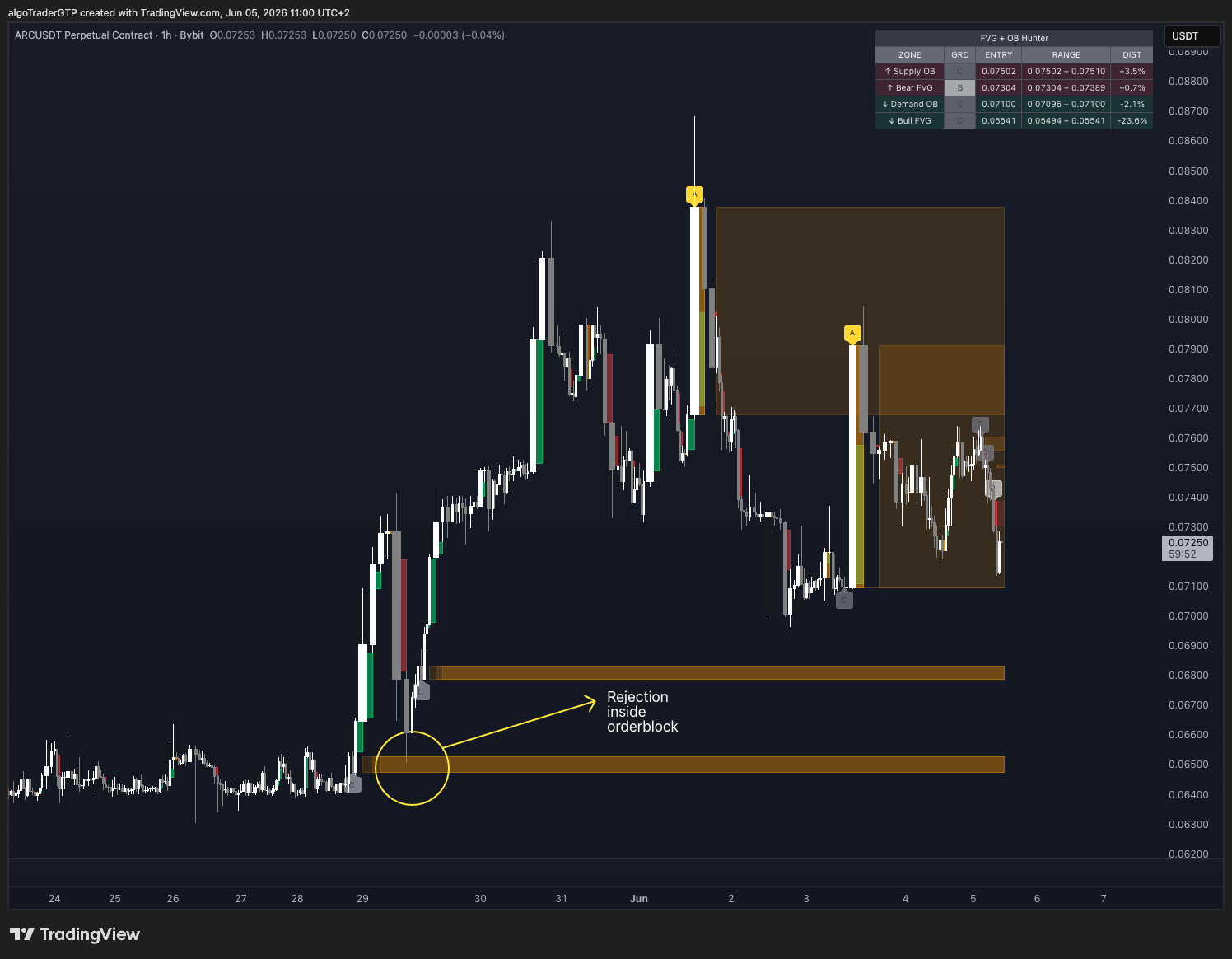
Demand Order Block holding as support. Zone drawn automatically the moment it formed — before price returned to test it.
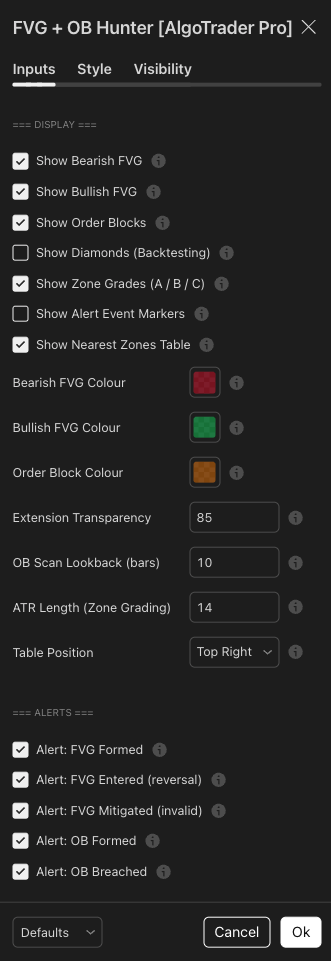
Every input has a tooltip explaining exactly what it controls. Toggle FVGs and OBs independently, set ATR length for zone grading, configure 5 independent alert types.
Why Traders Use It
- No zone drawing — structure appears the moment it forms, before price gets there
- Know which zones matter — A-grade labels filter the noise before you even look at the chart
- Never lose track of active structure — the live table shows your nearest zones at a glance without scanning the chart
- Pairs with any SMC, ICT, or price action strategy — drop it onto your existing setup
- Webhook alerts connect directly to Telegram bots and execution services — automate your watchlist
- Used live in CSJ9 institutional fund operations — built for real trading, not a demo tool
FAQ
Add your TradingView username at checkout — access granted within 1–3 hours
You Might Also Need
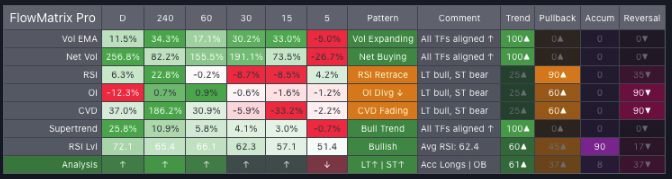
FlowMatrix Pro
Read Every Timeframe at Once Before You Take Any Trade
View Details →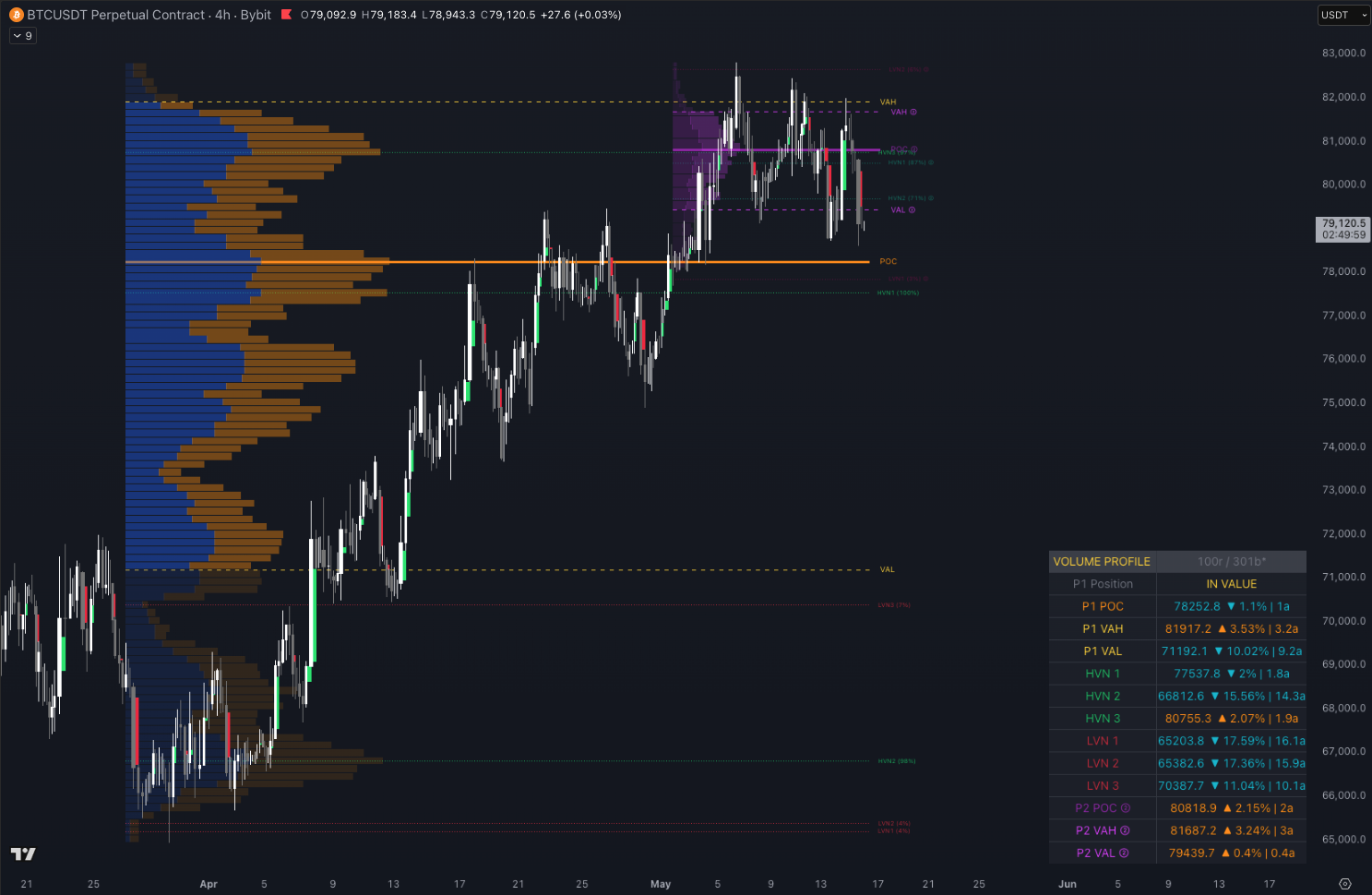
Volume Profile Pro
See Where the Market Really Traded Before You Enter
View Details →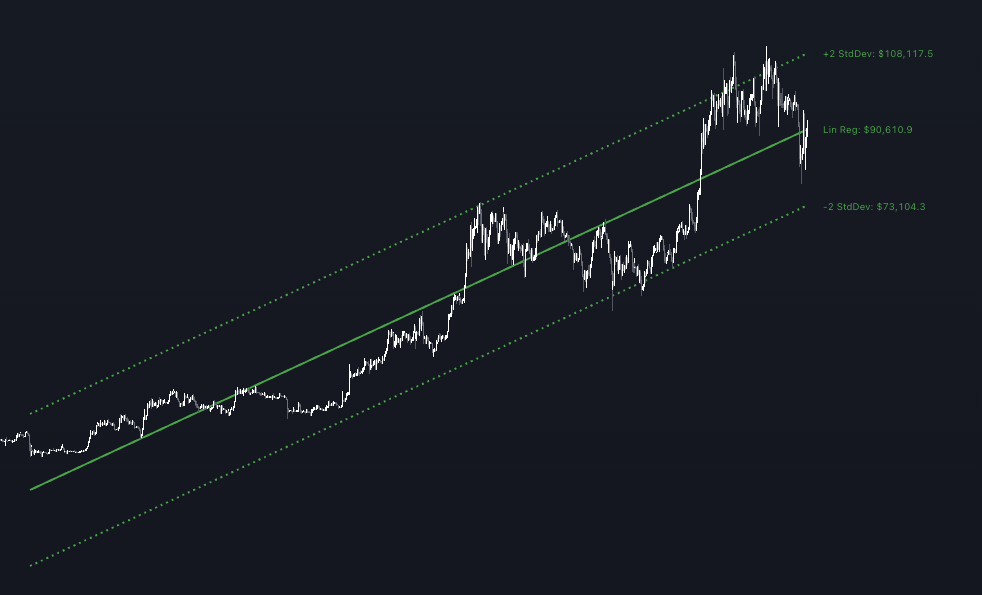
TradePlanner Pro
Design Your Complete Trade from Trend to Final Order
View Details →