Grid Planner Pro
Know if your grid bot setup is profitable before you deploy.
- Pay securely on GumroadCard, PayPal, Apple Pay or Google Pay. The checkout opens right here — you never leave this page.
- Enter your TradingView usernameAdd your TradingView username at checkout, or reply to your receipt with it.
- Access is granted by hand the same dayYou get a confirmation email the moment it's live. Questions? Reply to your receipt.
- Not for you? 30-day refundNo questions asked. Lifetime updates are included either way.
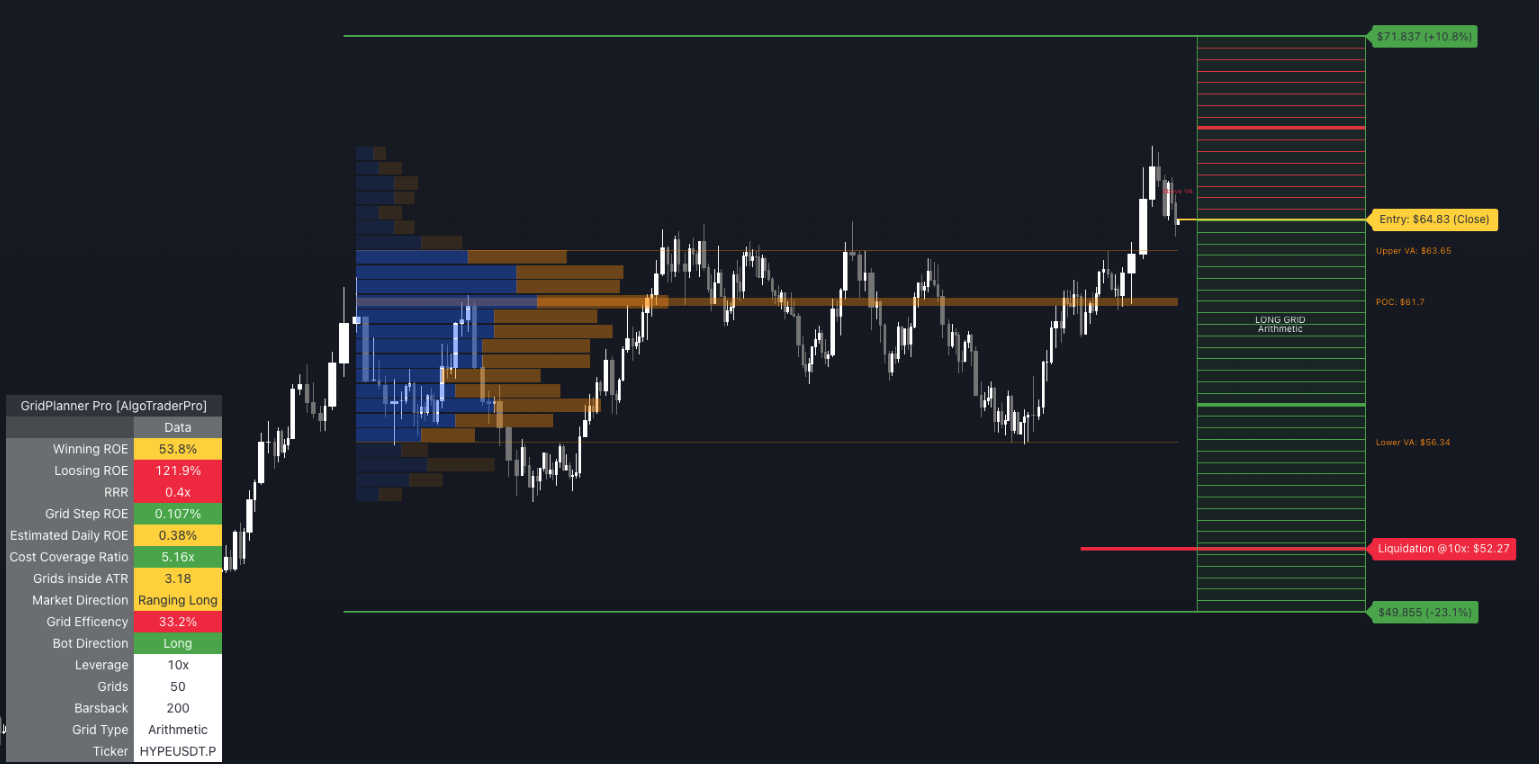
Grid bot trading looks simple: pick a range, set a quantity, choose your leverage, hit deploy. Two days in, the grid is barely covering its own fees. The step size was too small relative to round-trip costs. The range didn't match volatility. The liquidation price was closer than you thought. By the time you've built a spreadsheet to check the math, the ranging condition has passed.
Every metric. Live on chart. Before you deploy.
What's Inside
Live grid visualization
Every buy level (green) and sell level (red) drawn on chart in real time, with color-coded grid box showing your full range
Liquidation price on chart
Your approximate liquidation level at your configured leverage — see exactly where your position blows up before you deploy
Cost Coverage Ratio
Step size % ÷ round-trip fee % — the single most important metric for grid bot profitability, colored green when safe
Estimated Daily ROE
Calculated from daily ATR × grid efficiency × step profit — color-coded against your targets
Volume Profile integration
POC, Upper VA, and Lower VA available as grid boundary references — anchor your range to real market structure
Breakeven days calculator
How many days of grid trading to recover your max loss if price hits either extreme
See It on Your Chart
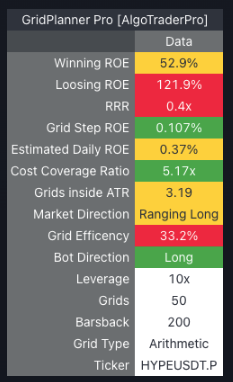
Metrics table: RRR 3.2×, Cost Coverage 4.2×, Grid Efficiency 68%, Market Direction: Ranging Long. All targets met.
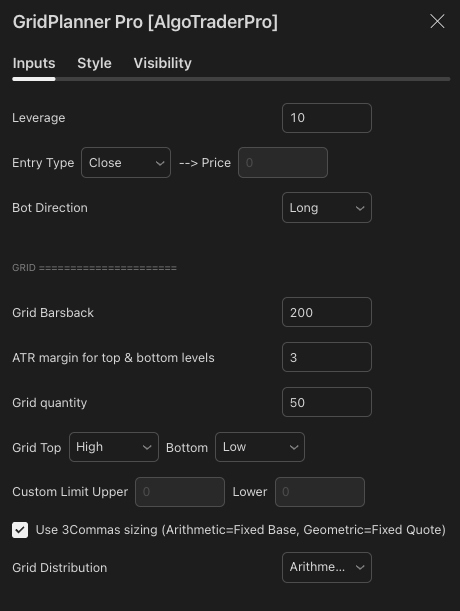
Volume Profile integration — POC, Upper VA, Lower VA available as grid boundary references anchored to real market structure.
Why Traders Use It
- Validate every setup before deploying capital — see the full P&L picture in real time, not after two days of fee bleeding
- Find the right parameters instantly — adjust quantity, range, and leverage and watch all metrics update live
- Match your grid to actual volatility — daily ATR-based ROE estimates, not assumptions
- Anchor grids to real market structure — Volume Profile integration means your boundaries have institutional logic behind them
- Used live in CSJ9 institutional fund operations — the exact tool used to model grid bots across 7 managed accounts before any deployment
FAQ
Enter your TradingView username at checkout — we grant access by hand the same day
You Might Also Need
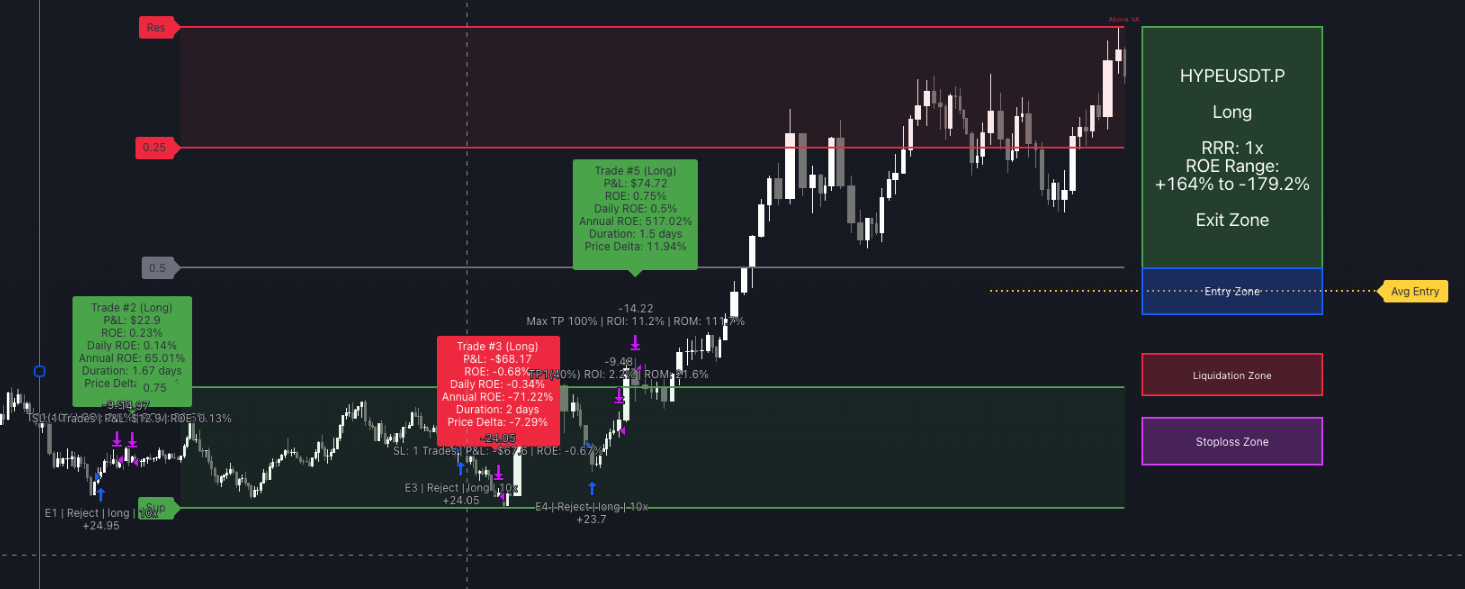
SignalEngine Pro
Automate your entries, TP ladder and exits on any chart.
View Details →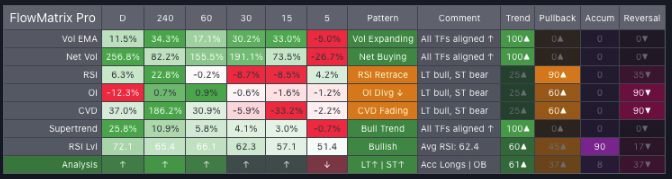
FlowMatrix Pro
Read every timeframe at once before you take any trade.
View Details →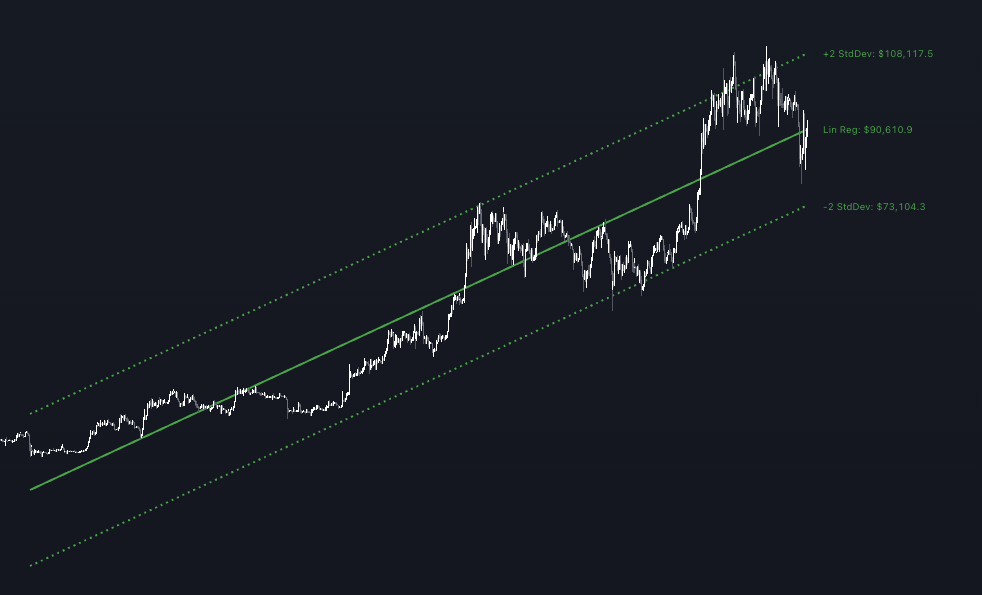
TradePlanner Pro
Design your complete trade, from trend to final order.
View Details →