MA Signal Pro
Know where you are in the trend before you enter.
- Pay securely on GumroadCard, PayPal, Apple Pay or Google Pay. The checkout opens right here — you never leave this page.
- Enter your TradingView usernameAdd your TradingView username at checkout, or reply to your receipt with it.
- Access is granted by hand the same dayYou get a confirmation email the moment it's live. Questions? Reply to your receipt.
- Not for you? 30-day refundNo questions asked. Lifetime updates are included either way.
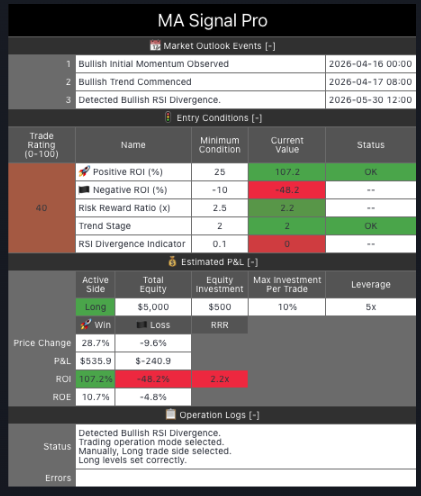
Moving average crossover strategies are everywhere on TradingView. A fast MA crossing the slow MA signals the same way whether you're three weeks into a trend or three days from the end of it. You get a signal. You don't know where you are. By the time the fast MA crosses the slow MA, the move is often already 60–70% complete. The signal is real. The timing is wrong.
It doesn't just tell you when a crossover happens. It tells you where you are in the trend.
What's Inside
Four-stage market progression
Initial Momentum → Trend Started → Entry Zone → Entry Signal — know exactly which phase the trend is in before you commit
Triple MA confirmation
Fast (50), Medium (100), Slow (200) EMA/SMA — trend confirmed only when all three levels align
Entry conditions gate
Configure minimum RRR, maximum projected loss %, minimum trend stage, minimum trade quality rating — no signal fires without all gates passing
RSI divergence detection
Automatically identifies divergence during potential reversals and factors it into the entry conditions rating
3-level exit system
Scale out at configurable % thresholds — default: 25% out at 50% of target, 50% out at 75%, remainder at 100% or trailing SL
5 alert types
Initial Momentum / Trend Started / Entry Zone / Entry Signal / Entry Conditions Met — fire at each stage progression
See It on Your Chart
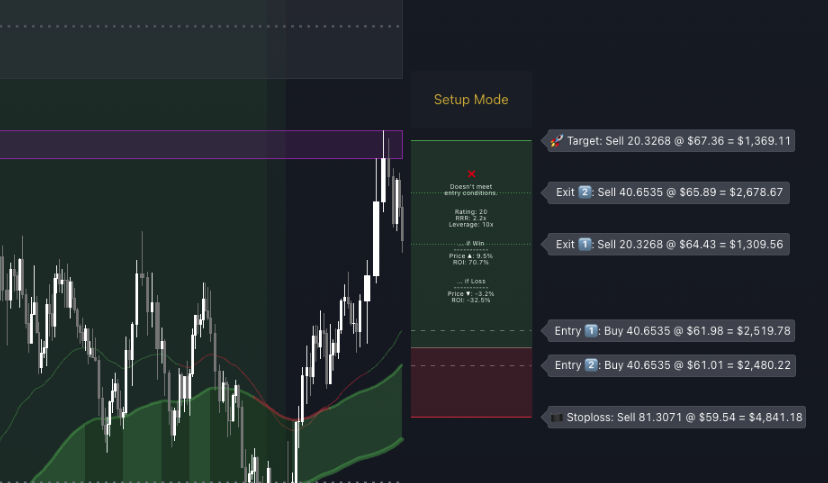
Trade setup mode: entry zone, target, and stoploss drawn on chart from configurable reference levels. Trade box shows the full plan before entry.
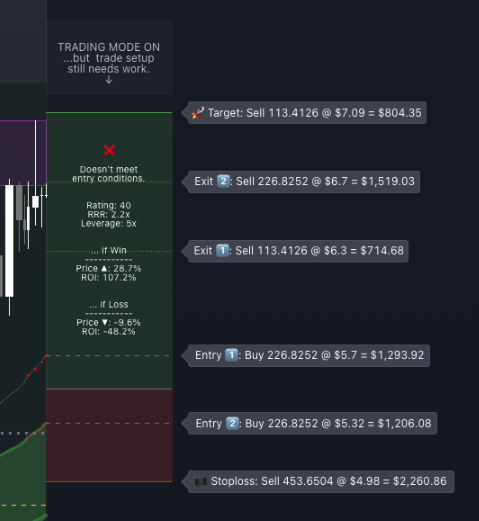
Trade box close-up: entry, TP, and SL levels with live RRR, projected loss %, and trade rating.
Why Traders Use It
- Stop entering trends at the wrong stage — four stages tell you if you're early, mid-trend, or late before a signal fires
- Every entry is validated automatically — RRR, max loss, trend stage, and quality rating all checked before the signal fires — no exceptions
- Backtest before you trade — TradingView Strategy Tester with real commission and slippage shows historical performance before you risk capital
- The exit plan is part of the setup — 3-level automatic exits mean you never have to decide how to manage an open trade
- Used live in CSJ9 institutional fund operations — the MA validation logic underpins the trend confirmation system across 7 managed accounts
FAQ
Enter your TradingView username at checkout — we grant access by hand the same day
You Might Also Need
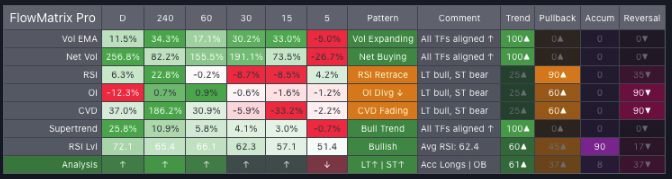
FlowMatrix Pro
Read every timeframe at once before you take any trade.
View Details →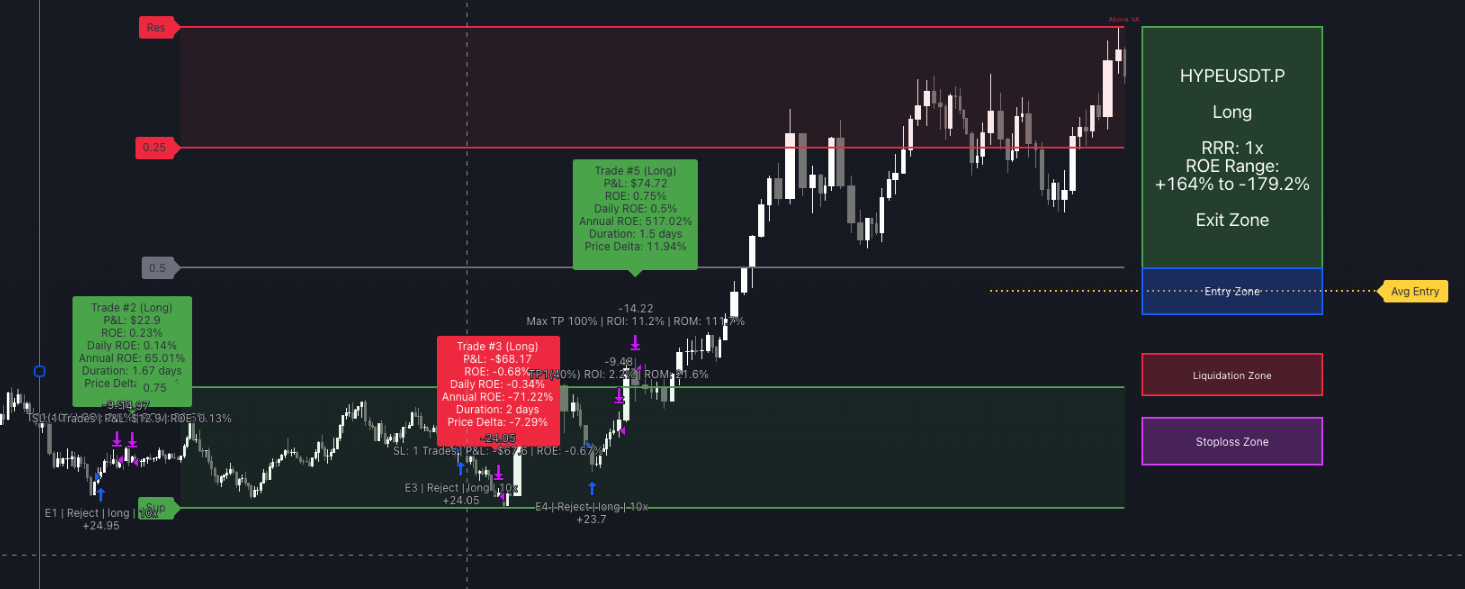
SignalEngine Pro
Automate your entries, TP ladder and exits on any chart.
View Details →